SOCIAL CARD INSPECTOR
A link reveals its social card to every platform before you have hit publish. Will yours look right?
Paste any URL and see exactly how the shared link will appear on LinkedIn, Slack, Twitter, and Facebook — title, description, image, in real dimensions, before a single share goes out.
01 / WHAT IT CHECKS
Four platforms, two tag vocabularies, one honest read.
Every social platform reads something different. Open Graph tags drive LinkedIn and Facebook. Twitter uses its own card namespace with its own fallback rules. Slack picks from the same tags but with different size requirements. Previewcard reads them all and tells you what is there — and what is missing — for each one.
02 / HOW IT WORKS
One URL in, four previews out — with what needs fixing.
Previewcard fetches the page, extracts every social meta tag, resolves relative image URLs, fetches the actual image to check its size and format, and builds a per-platform report. No crawl, no scheduled checks — it answers when you ask and not before.
From paste to per-platform verdict — four stages, under a second.
03 / TAGS AND FALLBACKS
One tag missing on one platform is a share that looks abandoned.
Every platform reads tags differently. LinkedIn and Facebook expect og:title, og:description, and og:image. Twitter reads twitter:title first and falls back to og:title if it is missing — so a missing Twitter tag is not a problem unless you need a Twitter-specific card type. Slack reads the same Open Graph tags but applies its own image size minimums.
Previewcard reports exactly which tag each platform will use — and which it will miss — so the fix is one clear action.
04 / WHAT IT COSTS
Free. No account, no signup, no limitations hidden behind a plan.
Previewcard has one tier: paste any URL, get the full report. There is no paid upgrade because there is nothing to upsell — the product is the single check, and that is what works.
05 / WHAT A RESULT LOOKS LIKE
A card with every tag visible and every problem named.
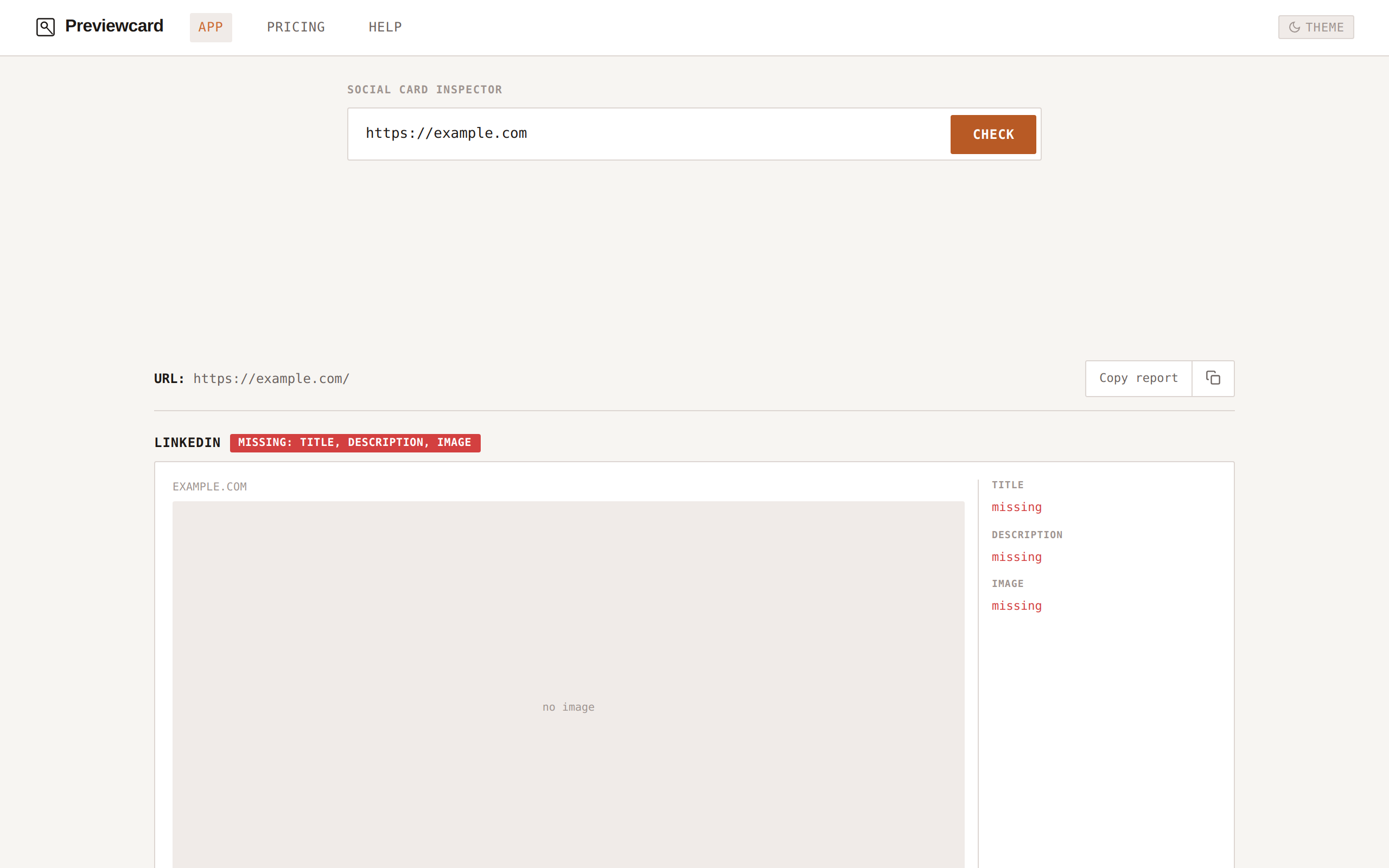
Check a URL and get a per-platform breakdown. Green badge means the card is complete. Red badge names exactly what is missing — and where.
06 / WHAT IT WILL NOT DO
Honest about its limits — because guessing is worse than saying you cannot.
07 / THE PROBLEM IT SOLVES
The page can be perfect and the card still be broken.
A relative og:image path that resolves to nothing. An image that is 200×200 when LinkedIn expects 1200×630. A missing og:description that makes the card look abandoned. These are invisible on the page itself — nothing is wrong with the content. They only surface when a reader shares the link and the card renders wrong, and by then the post is already out.
Previewcard catches this before publish, not after.
08 / SOMETHING TO TAKE WITH YOU
Check your link before the share goes out.
One paste, four platform previews, zero surprises. No account needed.
Open the inspector →